How it works
Booking a pond, and listing one, step by step
For anglers
Booking private water
- 1
Search near you
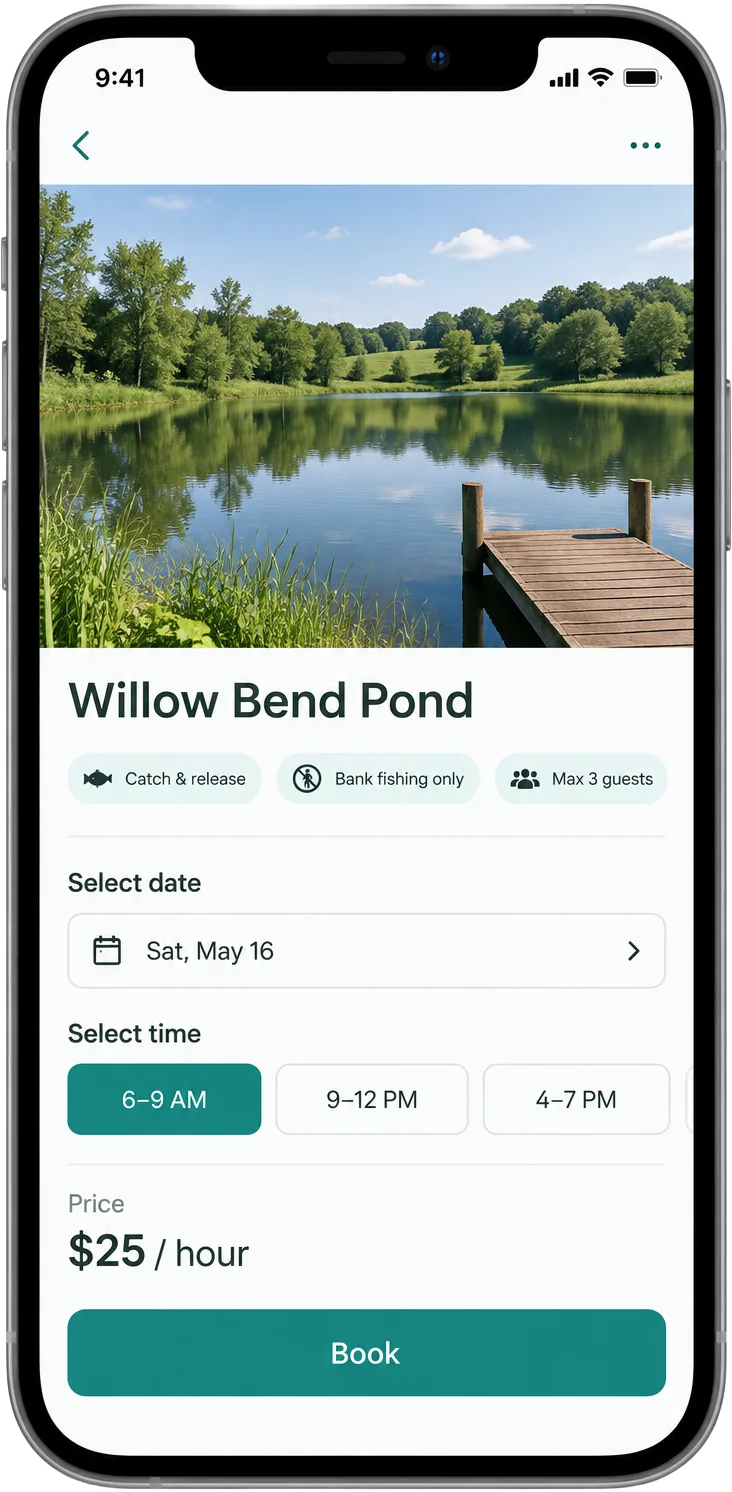
Open the map and browse private ponds near you. Each listing shows photos, species, depth, access details, house rules, and the host's price — hourly or a flat day rate.
- 2
Request your date and time
Pick an hourly slot or a full day, depending on what the host offers, and say how many anglers are coming. You'll agree to the liability waiver and the host's rules before you send the request.
- 3
Wait for the host to approve
The host sees your request and decides. Use in-app messaging to ask about parking, gates, or what's biting.
- 4
Pay and fish
Payment is handled securely through Stripe in the app. Show up within your window, follow the rules, and enjoy the quiet.
For pond owners
Listing your pond
- 1
Connect your bank
Create a host account and connect a bank account through Stripe. That's the only setup requirement.
- 2
Publish your listing
Add photos, location, species, depth, and capacity. Choose an hourly rate or a flat day rate with your time window, and write your house rules.
- 3
Approve requests
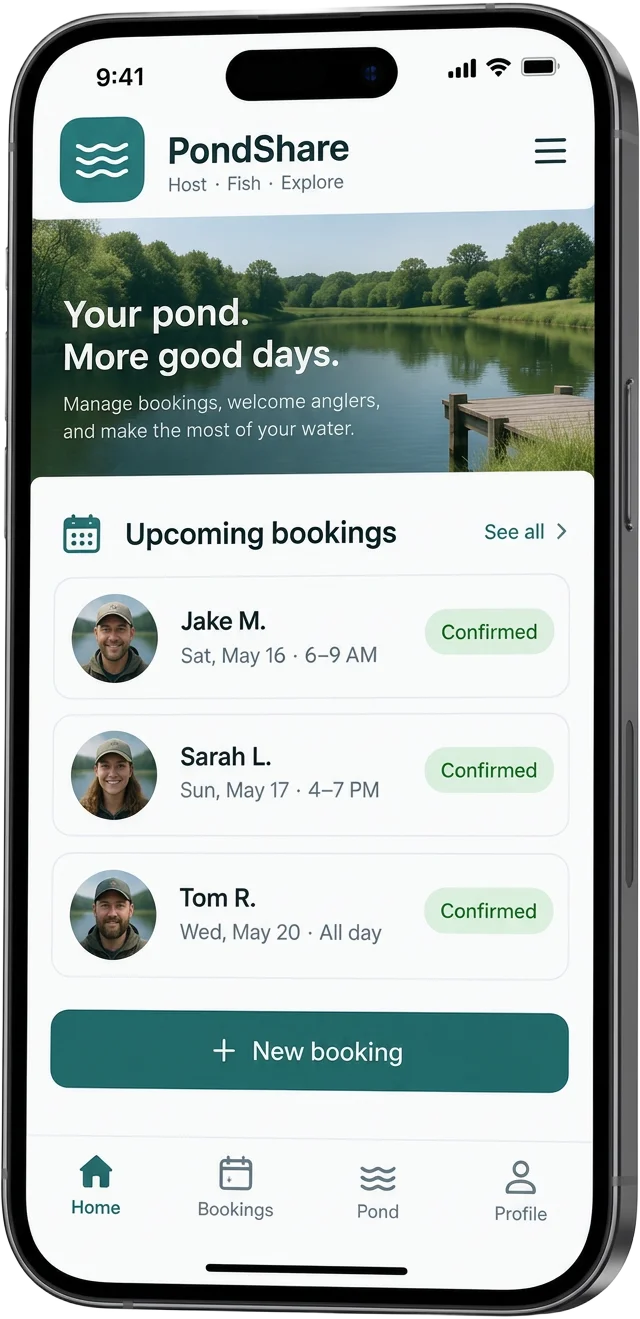
Each request shows the date, time, and party size. Approve or decline — nothing is booked automatically.
- 4
Get paid after each trip
Funds are released after a 24-hour hold once the booking completes, then Stripe deposits to your bank. You keep 100% of your rate.